Useful inputs
- ✓ README and product copy
- ✓ UI source and routes
- ✓ Logos and brand tokens
- ✓ Screenshots and icons
Repo to video · GitHub to video
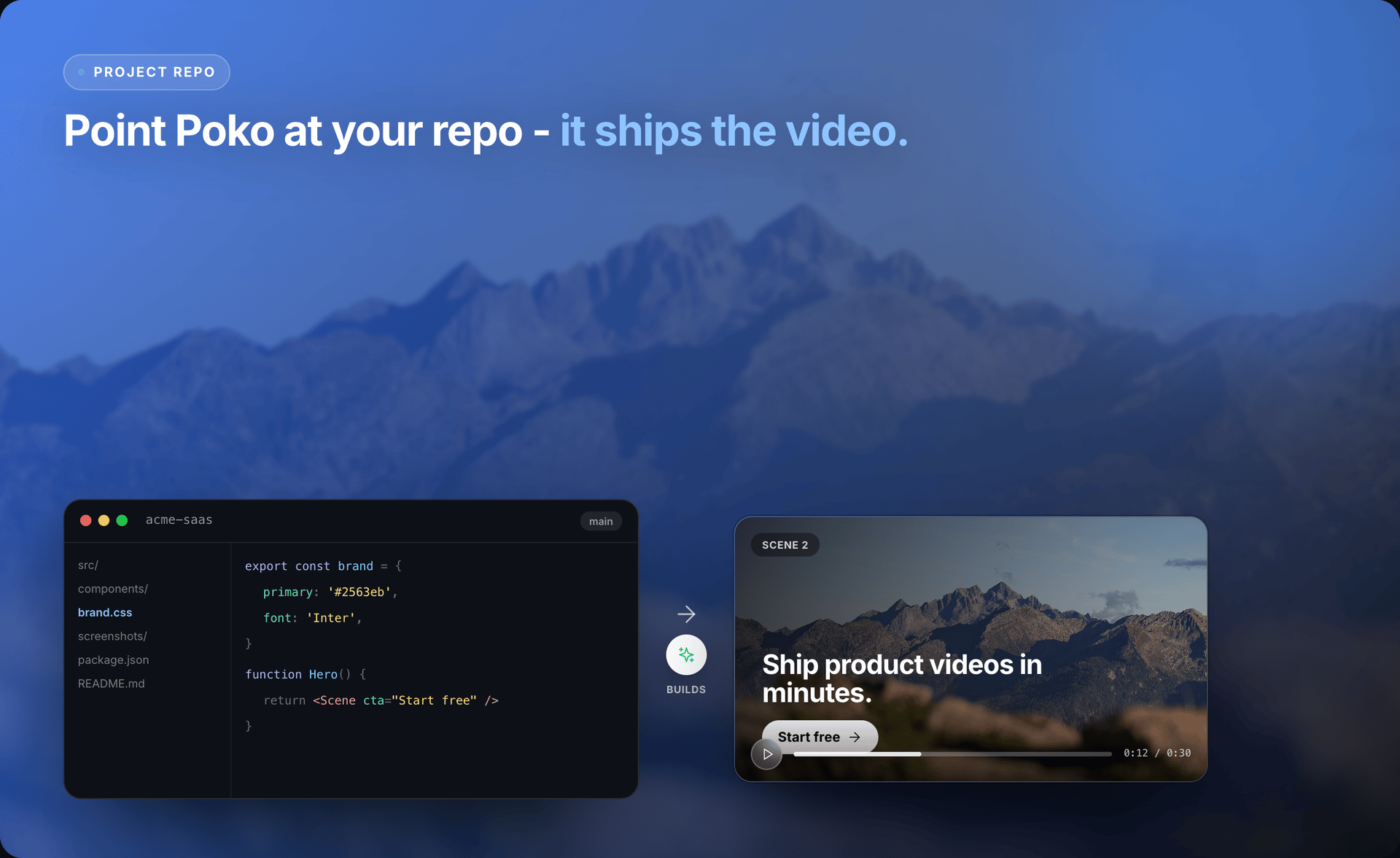
Point Source To Video at a local project folder. It finds product message, screenshots, logo, colors, and useful features — then drafts an editable first cut. No blank timeline. No long creative brief.
Local codebase → editable Studio project → MP4 on your machine.
Why start from the repo
Your repository already holds the story. The README explains the promise. Source files name the features. Screenshots show the product. Brand assets keep the video looking familiar.
Source To Video connects those pieces into simple scenes. A pricing component and a dashboard screenshot can become one clear message viewers can follow in seconds.
You spend less time hunting assets and explaining basics — and more time checking the hook, tightening claims, and deciding what ships.
Workflow
The agent handles heavy setup. You stay involved where accuracy and taste matter — source, story, scenes, and preview.
01
Open Source To Video and select the project you want to explain. Stay in control of the source — start with the repo that has clear copy and current assets.
02
The agent looks for README text, package details, page copy, components, logos, colors, and screenshots to identify audience, promise, and key workflows.
03
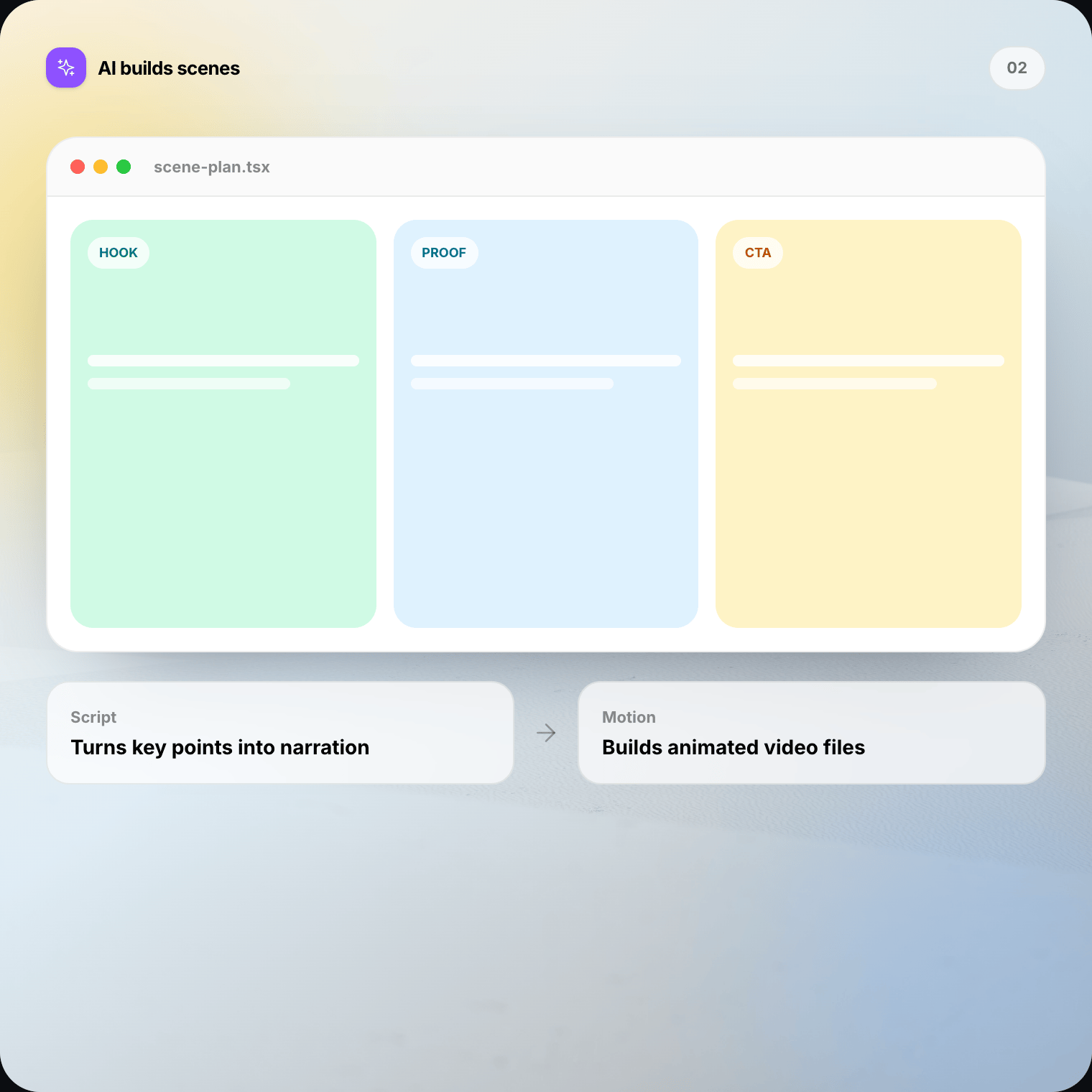
It writes concise scene copy, ties claims to evidence in the project, and builds an editable video project — not a loose script you assemble elsewhere.
04
Preview timing, layout, and motion. Ask for changes in chat or edit scenes directly while the product context is still fresh.
05
Export on your Mac or Windows machine. The finished file lands on disk for launch posts, product pages, or release updates.
Editable first cut
Ask Source To Video to shorten the opening, reorder scenes, swap a weak headline, or keep the full cut under a set length. Point at scene three and request a faster transition or a clearer benefit.
Keep the automation without giving up judgment. Review product claims, remove anything inaccurate, and make the final cut sound like your team.
Context with limits
Better source material leads to a more grounded demo. Source To Video does not treat the entire codebase as video material, and it does not replace your fact check.
Local-first
Source To Video works from the project folder you select. It does not upload the full repository as a cloud video job. Generated scenes and the final MP4 render locally — no remote render queue.
Follow your company rules for sensitive code. Choose a folder you are allowed to process, and avoid placing secrets in product copy or assets.
When repo to video fits
Turn the launch branch, new UI, and current positioning into a short release video.
Explain one workflow with the component copy and screenshots that shipped with it.
Translate technical capability into a clear outcome without hiding the real product.
Create a project overview that helps new users understand why the repo matters.
Blank timeline vs repo
FAQ
Straight answers on GitHub-to-video workflows, privacy, editing, and what Source To Video actually reads.
Repo to video means turning a local software project into an editable product demo video. Source To Video reads useful files in the folder, drafts a story, builds scenes, and opens the result in Studio so you can refine before you render.
Download Source To Video for Mac or Windows. Choose a local repo, review the story, edit the scenes, and render the final video on your machine.